2026-08-21
The 24-hour WhatsApp inbox window: free text vs templates
Ordinary inbox replies only go through if the customer messaged in the last 24 hours. When that window is closed, send a Meta-approved template.
The 24-hour WhatsApp inbox window: free text vs templates
An agent can type in the Wapedia inbox and hit send, but ordinary text only goes through while Meta’s 24-hour window is open. That window is Cloud API’s customer-care time limit: it is counted from the customer’s last message to your business number. When it is closed, Cloud API rejects free text, so the team must send a Meta-approved template.
This is Meta’s rule, not a switch Wapedia can turn off. The dashboard only shows the status so the team is not guessing.
If the Sandbox inbox is still empty, the compose box is not there yet. The window indicator appears after a conversation comes in.
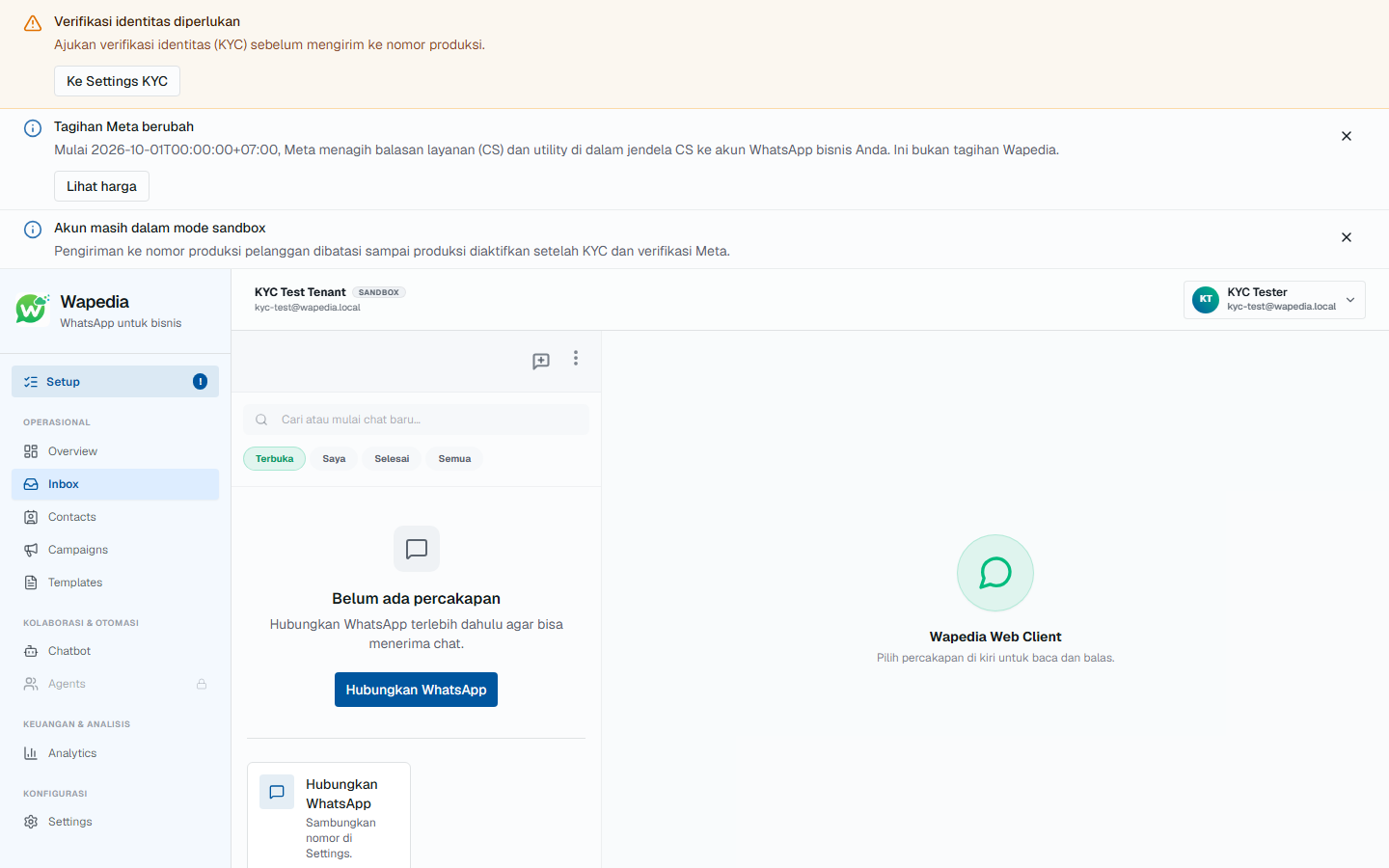
No account yet? There is an inbox demo on the homepage.
Who opens the window
The window starts, or resets, when the customer messages your Cloud API number. Not when an agent types first.
For 24 hours after that last customer message, the team can reply with text, images, or documents, within Meta policy. That is a service session, not a licence to blast.
With no new customer message, 24 hours run out and the window closes. Free text from the compose box will not get through.
If the window is closed: send a template
Send a template that is already approved in WhatsApp Manager. Fill the variables, and do not change the reviewed body.
Templates are also allowed while the window is still open. Meta allows that. In Wapedia the template icon stays available for an approved update, without waiting for the window to close.
Inside the window, ordinary typing is still the default. Do not open a template only because the button is visible.
Check status in the compose box
Open the conversation, then look at the send area (open / closed, or time left).
- Open: type and send, or pick a template if that is actually the copy.
- Closed: do not force ordinary text. Pick a template, fill variables, then send.
- The customer replies again: the window opens, and ordinary text is fine.
Moving the conversation to another agent does not change Meta’s rule. Only who types changes.
Easy mix-ups
Myth: “Replies inside the 24-hour window mean customer care is free.” Reality: the window is about message type, not a conversation voucher. Replies inside the window can still hit Meta service rates on your WABA from 1 October 2026 (after 1,000 free messages per number per month). Details in the costs article. The Wapedia subscription is separate: inbox, campaigns, chatbot, and API.
Next steps
- Inbox demo on the homepage.
- Connect a number: connect WhatsApp.
- Two bills: Cloud API costs.
- Public signup is closed. Early access via pricing or halo@wapedia.id. API docs: quickstart.